A cut-paper collage theme for Home Assistant
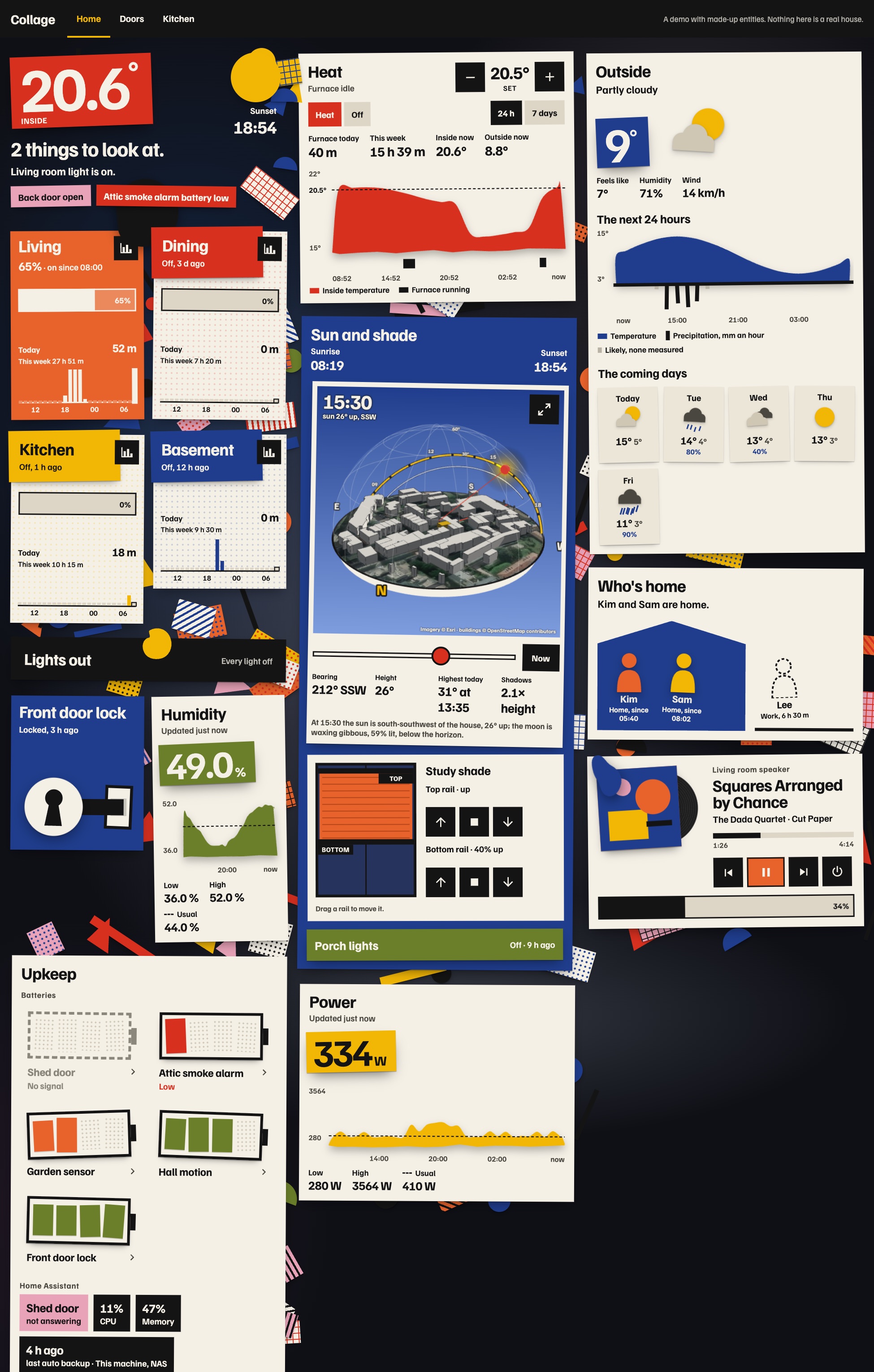
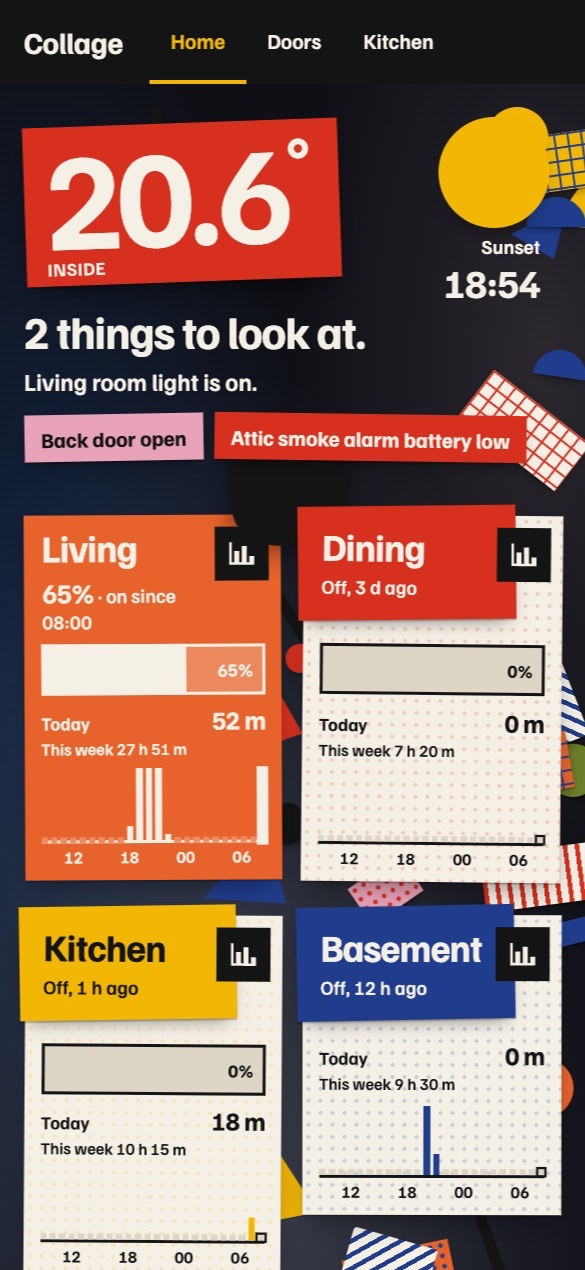
Most Home Assistant dashboards I see are rounded rectangles everywhere, some glassmorphism if you’re lucky, and a very analytical heads-up display look. I wanted a cut-paper look, so I made one with Impeccable: Collage, a theme and a set of cards. Each room is a sheet of poster colour pinned to a dim wall, anything that’s on gets an organic paper shape, and scraps of patterned paper stick out from under the cards.
The sky over the house
The sun card takes aerial imagery of about 180 metres around Home Assistant’s home location, stands the buildings from OpenStreetMap up on it as paper, and puts a glass dome over it with today’s paths of the sun and the moon. The shadows fall where they really do. Here it is running on a pretend Home Assistant: drag it around, pinch to zoom, and slide through the day.
The other cards
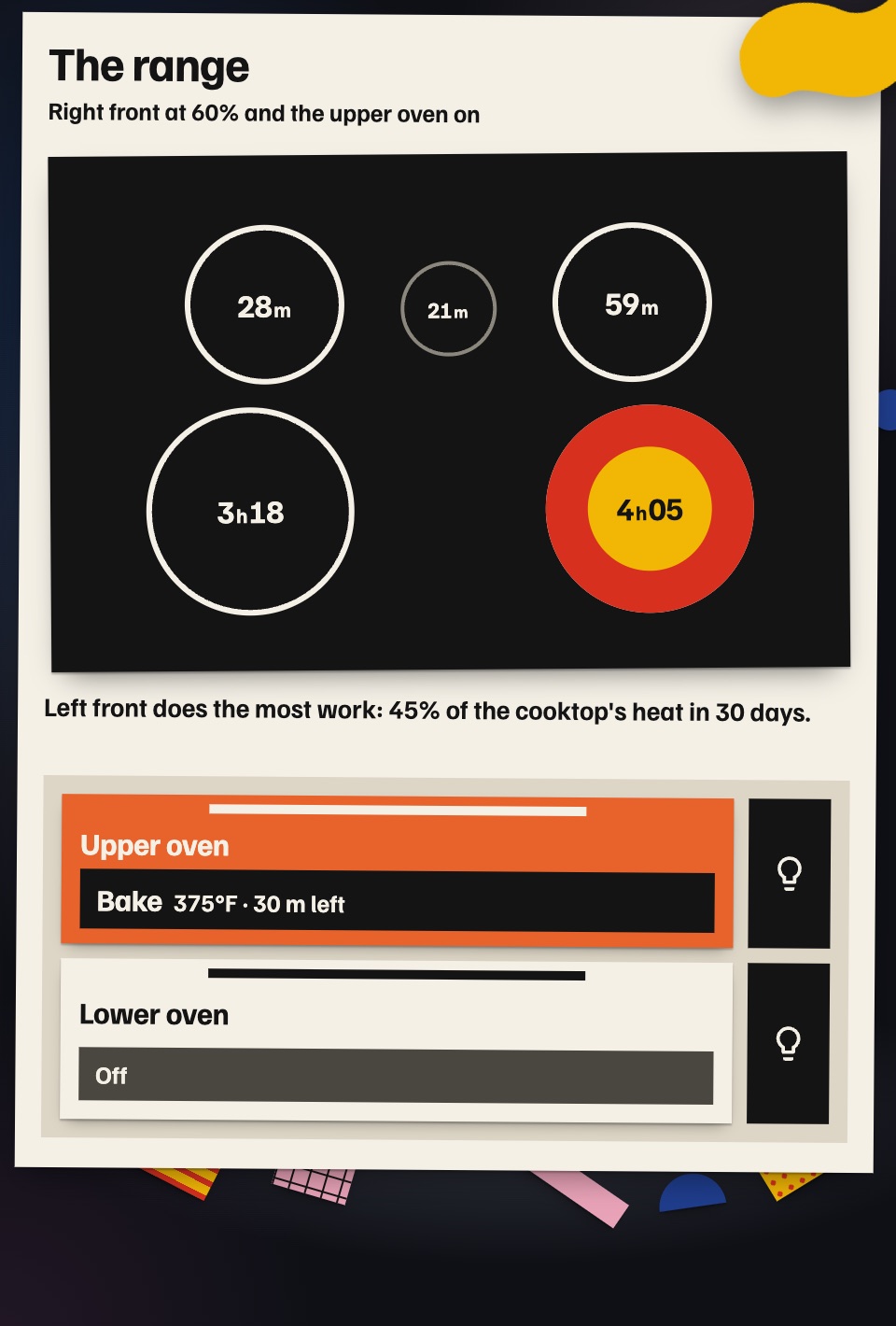
There are sixteen cards. If you have a GE range on the SmartHQ integration, the range card draws the cooktop from above with each burner’s time over the last 30 days, and the stove card charts your time at the stove from a week to a year.
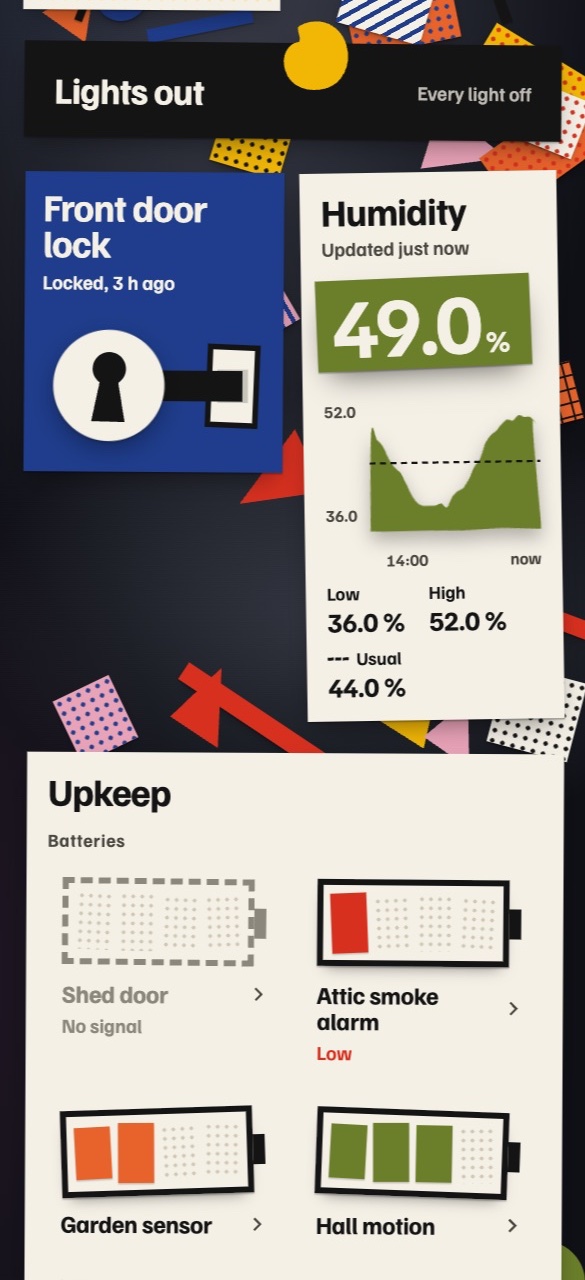
Most of the others take any entity: rooms, a status sentence, the thermostat’s day, any sensor as a cut-paper chart, the weather (a paper sky with rain hanging under the temperature), a media player as a record sleeve, a lock as a keyhole and a bolt, who is home as paper figures inside a house, and batteries drawn as paper batteries.
Installing it
Everything is in homeassistant-collage-theme. The cards install through HACS as a custom repository (type Dashboard), and the theme is one YAML file you copy into your themes folder. The README has every card’s options and a whole example dashboard. To try it first, clone the repository and run node tools/serve.mjs: every card runs in your browser on a pretend Home Assistant.
The repository is also written for AI agents, so you can ask one to install it or to change it for your house. DESIGN.md and PRODUCT.md are in Impeccable’s format, AGENTS.md tells an agent how to install it without touching anything else, and there are skills for installing it and for making new cards in the same style. If you extend it with an agent, install Impeccable first.